Protect the working surface
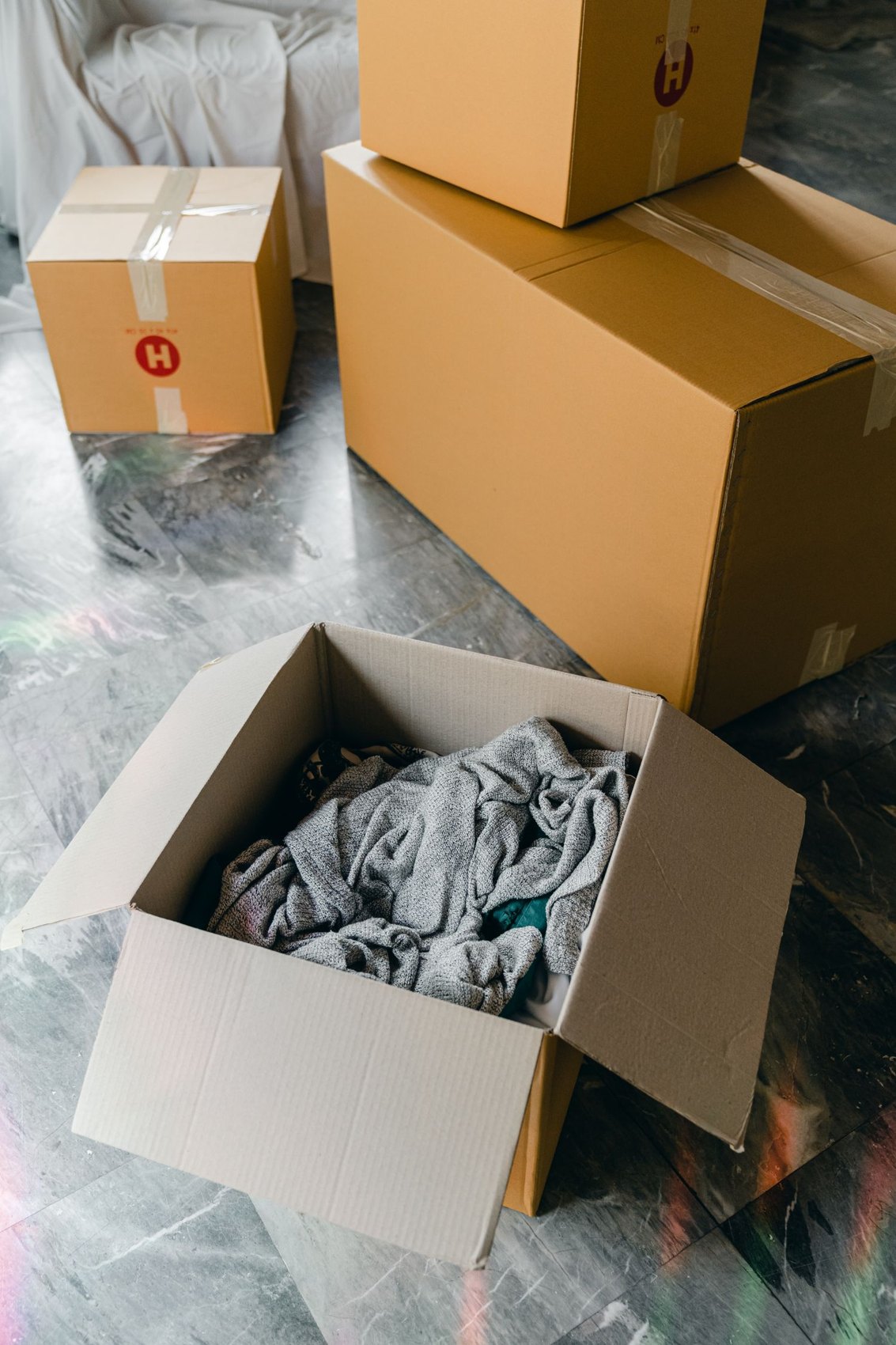
Choose somewhere that is not also a passage or general unpacking station. Check that the desk and chair stand securely and allow the movements you need. Leave legroom clear. A stack of cartons may provide temporary storage, but it should not prevent access to essential equipment or make the chair awkward to use.
Position the monitor or laptop, keyboard and tools you actually need. Try a short task and rearrange anything that makes you twist or lean far forward repeatedly. Follow instructions for adjustable equipment and furniture. Avoid hasty improvisations with unstable risers or unsuitable supports simply because everything is still being unpacked.
Reconnect equipment methodically
Match power supplies and cables to the correct devices before connecting them. Labels and photographs of the old setup save time. Check visible cables for damage and use suitable, intact components according to their instructions. Keep cables out of walking routes and away from chair wheels that could catch them or pull their connectors.
Test the functions needed for your next working day: display, sound, camera and printer where relevant. Check the internet connection with a small real task too. Have an acceptable alternative ready if an essential connection or device is still unavailable.
Limit paper and accessories
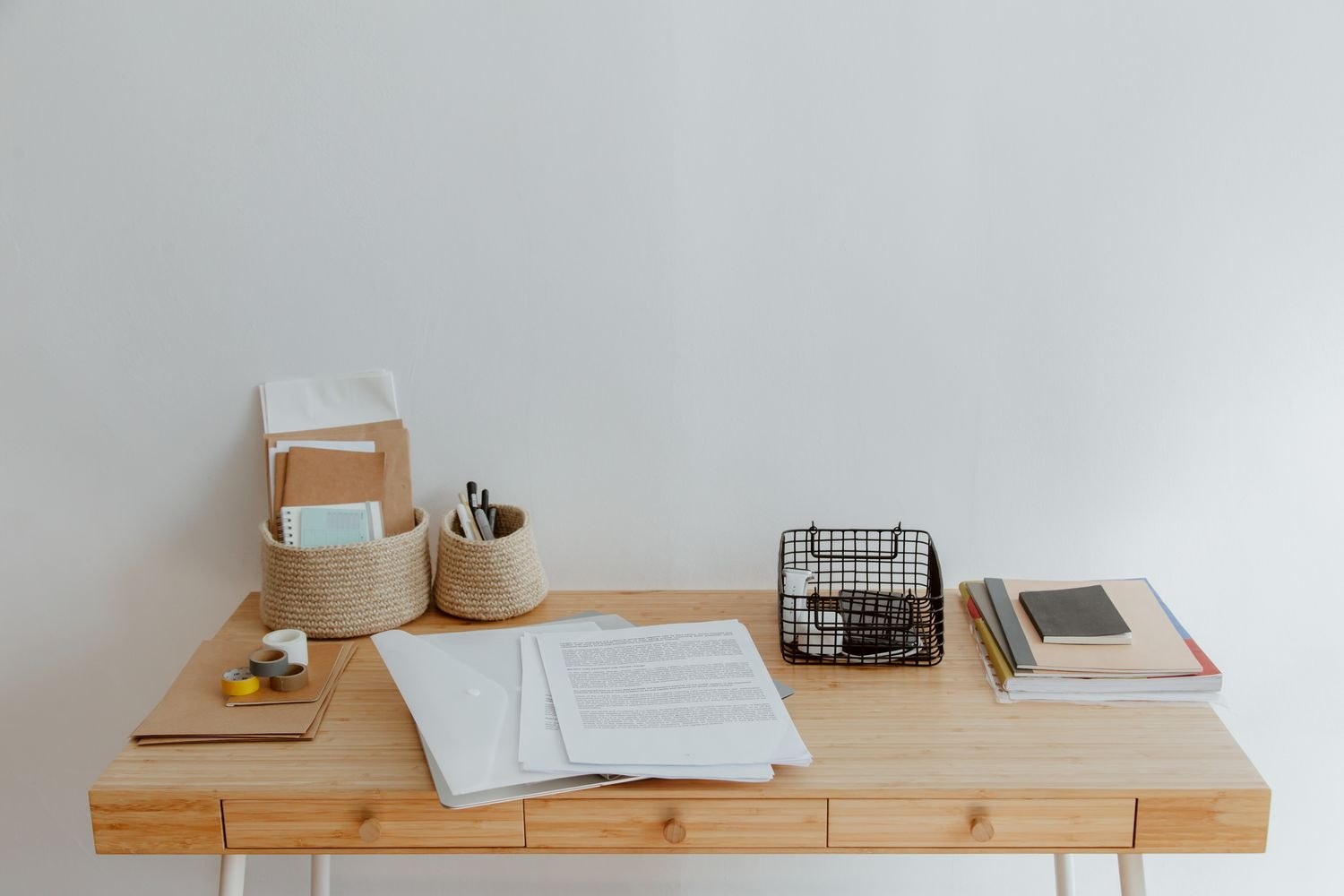
Put current documents in one accessible tray. Archives and occasional accessories can remain in clearly labelled boxes for now. Give pens, a notebook and frequently used small items fixed positions. This prevents the desk disappearing beneath belongings from several unrelated moving cartons on the second day in your new home.
Review the setup after a working day. Does a window reflect in the screen? Is lighting adequate? Is access to a shelf repeatedly blocked? Rearrange existing items before ordering more equipment.