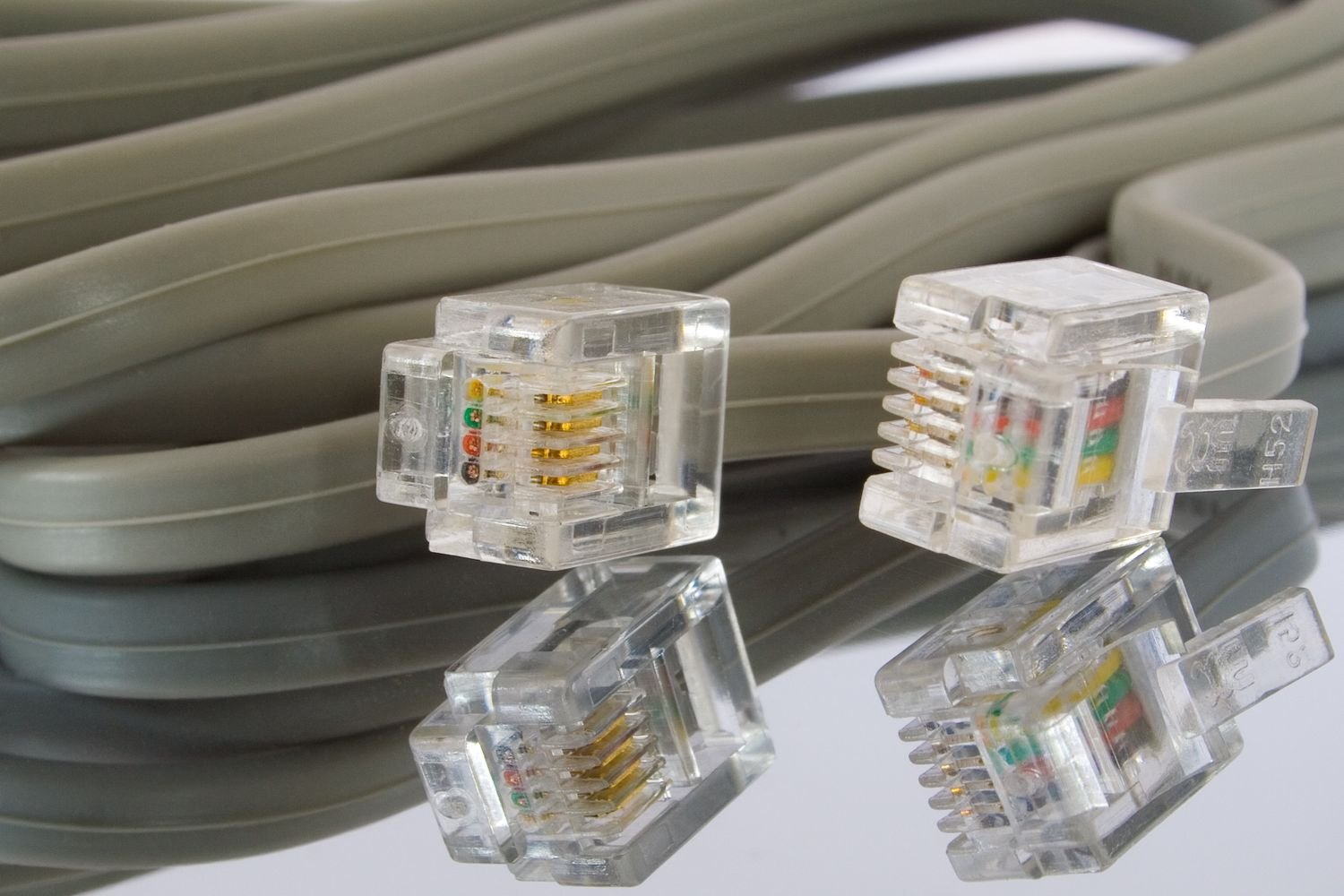
Record connections before removing them
Photograph the back of the device with sockets and plugs visible. Label important connections with the device name and purpose, such as “Monitor – picture signal”. Matching numbers at both ends help distinguish similar cables. Keep private access details out of photographs. Shut devices down according to their instructions before disconnecting anything, and pull by the intended connector rather than tugging on the cable itself.
Bundle loosely without sharp bends
Arrange cables in generous, natural loops. Do not force tight kinks, particularly immediately behind plugs or rigid transitions. Soft reusable ties keep loops orderly without squeezing them firmly together. Check for visible damage as you coil. Damaged leads should not go back into use without appropriate assessment. Set unidentified cables aside for review rather than automatically adding them to the accessories of each new device you pack.
Match power adapters clearly
Label an adapter and its corresponding device before separating them. A similar-looking plug does not establish that another adapter is suitable; the device specifications still determine compatibility. Pack heavy adapters where they cannot strike screens or delicate housings. A dedicated accessory bag for each workstation or device can help, provided the contents remain dry and connectors cannot scratch other items sharing the container during transport.
Prepare the first setup
Keep the cables for immediately needed devices in an accessible place. During setup, position the equipment first and route connections without crossing walking paths. Use photographs as a reference, then check the manual before switching equipment on. Remove temporary labels only if they interfere with use. A readable identification at a difficult-to-reach connection remains helpful later when cleaning, troubleshooting or replacing equipment in the new workspace.